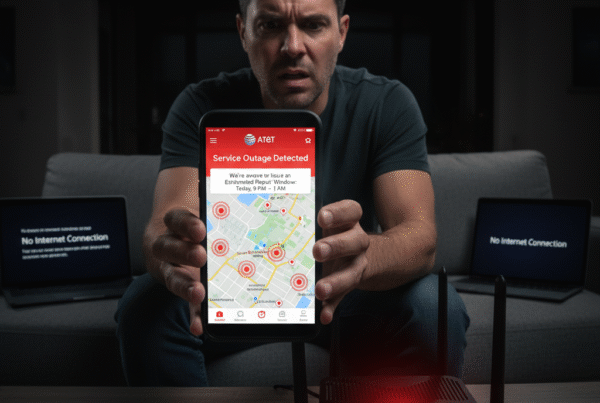
In USA, staying connected is more important than ever — especially when your entire home depends on reliable WiFi for work, learning, and entertainment. AT&T Fiber is already known for its remarkable reliability and blazing-fast speeds, but what happens if your fiber service ever goes down?
That’s where AT&T Backup Internet steps in — offering a smart, built-in way to keep your home connected through AT&T Wireless when fiber temporarily disconnects. Many customers wonder, however, whether backup internet can work with any unlimited wireless line on their account or if it must be tied to the primary line only.
At BestISPDeals, we break down exactly how this works, how to set it up, and why this feature is one of the biggest advantages of AT&T’s all-in-one ecosystem.
1. What Is AT&T Fiber Backup Internet?
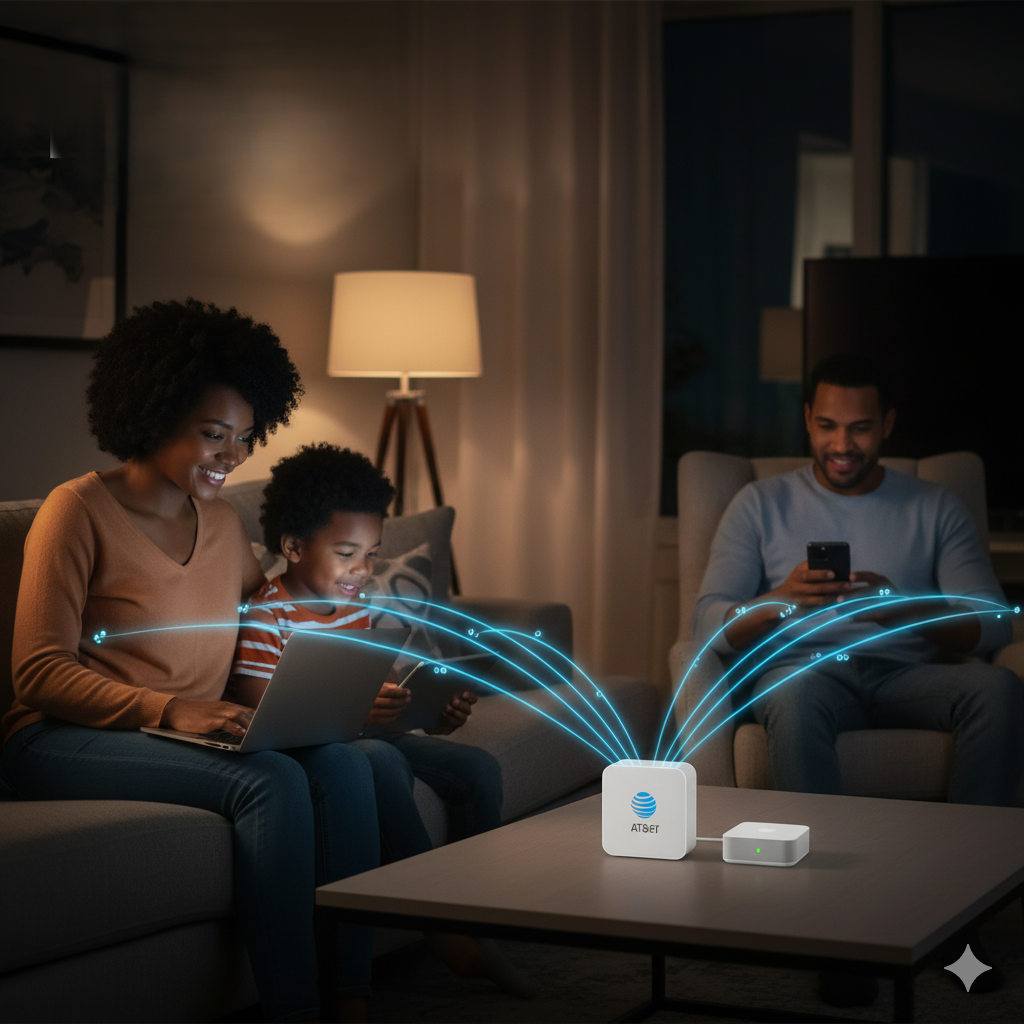
AT&T Fiber Backup Internet is designed to automatically switch your connection to a wireless network if your home’s fiber connection goes down temporarily. It uses AT&T’s nationwide wireless infrastructure to maintain essential connectivity for activities like:
- Streaming and video calls
- Smart home device operation
- Online work and school tasks
Unlike other providers that require additional hardware (like Verizon’s separate gateway devices), AT&T’s system runs through existing Smart Home Manager (SHM) technology, making setup simple and seamless.

2. Can Backup Internet Work on Any Unlimited Line?
Yes — according to customer experiences and AT&T’s own setup guide, any unlimited line on the same AT&T account can serve as a backup connection.
This means if you have multiple lines in your household, you can assign any of them to provide the backup link. For example:
- Your spouse’s phone can act as the backup when you’re not home.
- Your primary phone doesn’t need to be present for the system to work.
- As long as one authorized device with the Smart Home Manager app is at home, the connection will activate automatically when needed.
This flexibility makes it especially convenient for families where different members are home at different times — ensuring uninterrupted access even when the account holder is away.

3. How to Set Up Backup Internet with Smart Home Manager
Setting up AT&T’s backup internet system is simple and can be managed directly from the Smart Home Manager (SHM) app.
Here’s how it works:
- Download and open the Smart Home Manager app on the device you want to use for backup.
- Log in using your AT&T credentials.
- Enable Backup Internet under network settings.
- Make sure the device remains on-premises (in the home) for the connection to activate automatically if fiber service is interrupted.
Each phone that’s part of your AT&T plan and configured with SHM can serve as a backup source, ensuring reliable coverage for the entire household.

4. Real-World Feedback from AT&T Fiber Users
Customers in forums and communities report that AT&T Fiber is exceptionally reliable — with most users experiencing few to no outages in years of service. However, they appreciate having backup internet as a safety net.
As one user mentioned, fiber outages are so rare that backup is mostly for peace of mind. Another noted that while wireless backup performance depends on local cell signal strength, the convenience and no extra equipment approach make it worthwhile.
Many also highlight that the feature is free, included in AT&T’s unlimited bundles, and integrates smoothly with AT&T Fiber’s gateway (like the BGW320), unlike other providers requiring costly external modems or additional fees.

5. Reliability and Redundancy Benefits
Fiber internet is among the most dependable technologies available — and AT&T Fiber, in particular, boasts exceptional uptime. Still, unforeseen situations like local construction damage or maintenance can cause brief interruptions.
With backup internet in place, you get:
- Continuous connectivity during fiber interruptions
- No need for external hardware or a secondary ISP
- Flexibility to use any unlimited AT&T line
- Effortless activation through the Smart Home Manager app
This creates a unified experience where your home internet and wireless plans complement each other — ideal for families or professionals who can’t afford downtime.

Conclusion
AT&T’s Fiber Backup Internet is a powerful addition for households that value stability and convenience. The ability to use any unlimited line under your account makes it far more flexible than traditional solutions that rely on specific devices or added equipment.
In USA, where reliable internet is essential for work, streaming, and communication, this feature ensures your home remains connected — even during the rare moments when fiber service pauses.
At BestISPDeals, we help you explore bundled savings and set up AT&T’s advanced internet features, ensuring every household enjoys consistent speed, reliability, and peace of mind.