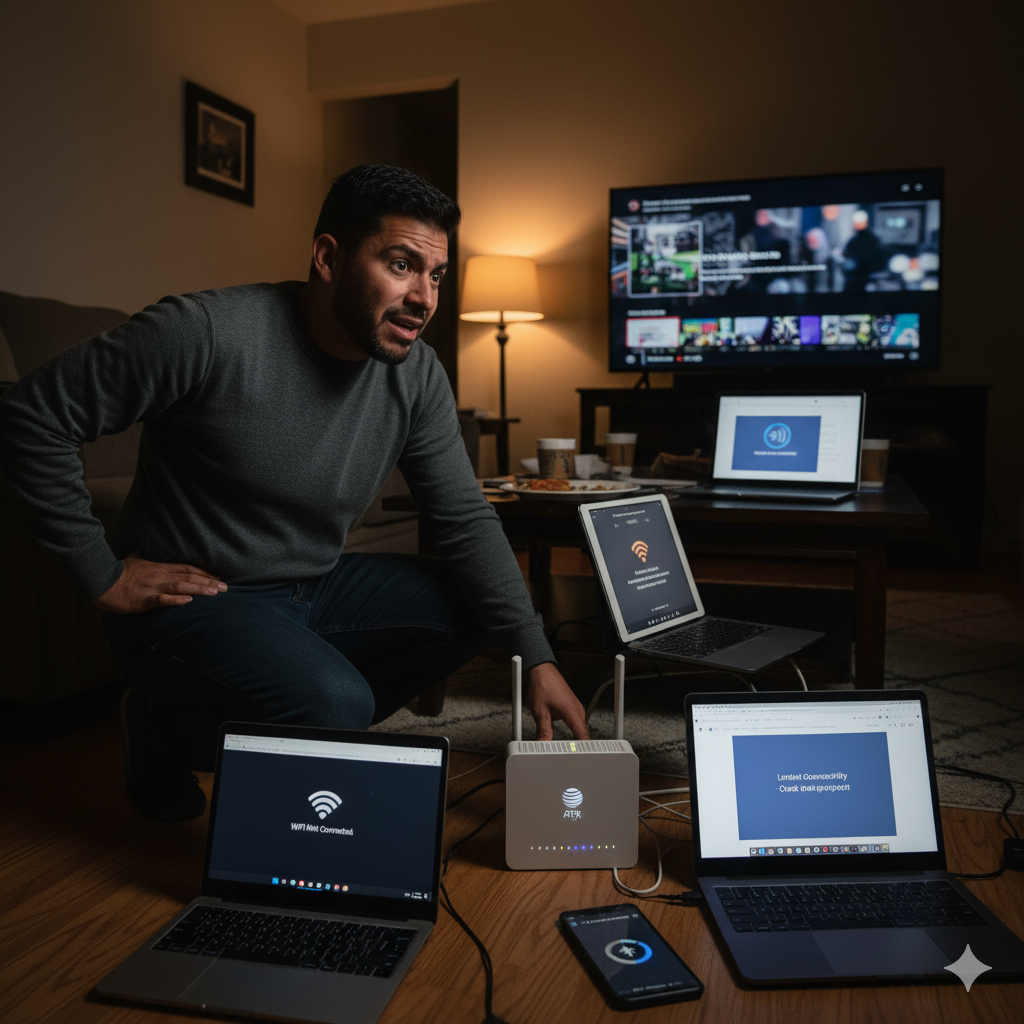
AT&T users across the country — including many in USA — have been reporting unusual internet behavior over the past week. Unlike typical outages where every device loses connection completely, this issue is especially strange because some devices work fine while others can’t even see the Wi-Fi network.
At Best ISP Deals, we’ve been tracking these reports closely. Based on user threads and technical patterns, the problem appears to be a mix of AT&T backend updates, DNS inconsistencies, and device-specific compatibility issues — all occurring at the same time.
If your AT&T internet has been acting up in USA, here’s a detailed look at what’s happening and how to stabilize your connection safely.
1. What AT&T Customers Are Reporting
Users in USA and surrounding regions have described symptoms like:
✅ Desktop PC (Ethernet) plays games normally
❌ But struggles to open websites or Discord
✅ Smart TV and Xbox connect fine
❌ But specific phones or PCs can’t even find the Wi-Fi network
✅ Fiber speeds remain fast
❌ But websites take forever to load on Chrome
✅ Firefox loads pages normally
❌ But Chrome stalls or times out
These mixed results mean that the issue isn’t a traditional outage. Instead, it’s a sign of routing, DNS, or Wi-Fi broadcast changes happening behind the scenes.
2. Why This Issue Is Happening: AT&T Backend Changes + DNS Problems
From the pattern seen across multiple cities, the most likely causes include:
✅ AT&T Network Updates
Several users reported that AT&T’s website also had intermittent outages during the same period. This hints at infrastructure upgrades affecting:
- Local routing tables
- DNS servers
- Authentication services
- Wi-Fi channel propagation
When these systems fall slightly out of sync, the result is:
“Some devices work perfectly while others struggle or can’t detect the Wi-Fi at all.”
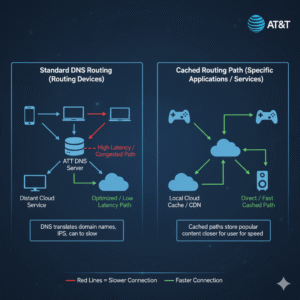
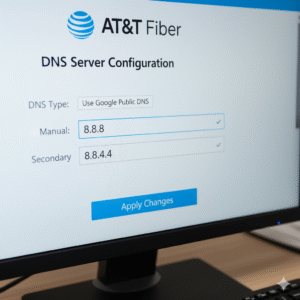
✅ DNS Failures (The Biggest Factor)
A large number of users reported that switching their DNS to 8.8.8.8 (Google DNS) immediately fixed:
- Slow website loading
- Chrome page failures
- Devices refusing to join Wi-Fi
- Random timeout issues
AT&T’s default DNS has been unstable in several markets this week, which explains why Firefox loads faster while Chrome struggles — each browser handles DNS caching differently.
3. Why Some Devices Don’t See the Wi-Fi at All
When phones, laptops, or PCs fail to detect the router entirely, it typically points to:
- Wi-Fi channel changes after a firmware update
- 2.4GHz / 5GHz band misalignment
- Device compatibility issues
- Cached router profiles
- AT&T broadcast updates pushing hidden SSIDs temporarily
These mismatches explain why:
✅ iPhone sees network
❌ Android Z Fold 6 does not
✅ Smart TV sees network
❌ PC Wi-Fi card doesn’t
These issues are often temporary after backend updates — but switching DNS or resetting Wi-Fi bands sometimes forces the devices to reconnect properly.
4. What AT&T Recommended in Official Responses
AT&T representatives monitoring the issue have encouraged users to:
- Switch to private messaging for account-level diagnostics
- Review router logs
- Reset network settings per device
- Confirm no local ONT or gateway alerts
This suggests AT&T is aware that the problems vary from device to device, and may be tied to regional system updates rather than full outages.
5. The Fix Most Users Say Worked Immediately
Across multiple reports, one solution stood out with instant results:
✅ Change your DNS to Google DNS (8.8.8.8)
Users said this fixed:
- Slow website loading
- Missing Wi-Fi networks
- Chrome delays
- Random disconnections
- Inconsistent speeds
This suggests DNS instability is the core trigger behind the week-long issue.
Most routers allow DNS changes directly in the settings. You can also update it per device if preferred.
6. When to Contact AT&T Support
If you’ve already:
- Rebooted the modem
- Updated DNS
- Reset Wi-Fi network settings
- Tested the connection on multiple devices
…but still experience:
❌ No Wi-Fi network visibility
❌ Frequent disconnections
❌ Drastic slowdowns on specific apps or browsers
Contact AT&T to check for:
- Local infrastructure outages
- ONT light warnings
- Gateway firmware mismatches
- Authentication failures tied to your account
Conclusion
AT&T customers in USA are experiencing a rare and frustrating mix of DNS failures, routing issues, and device-specific compatibility problems. While speeds may seem normal on some devices, others may fail to load basic pages or even detect the Wi-Fi network.
Fortunately, most users have found immediate relief by switching DNS settings or refreshing their Wi-Fi profiles — and AT&T is actively addressing the underlying infrastructure inconsistencies.
At Best ISP Deals, we monitor these issues closely to keep you informed and help you get back to a fast, reliable AT&T connection as quickly as possible.