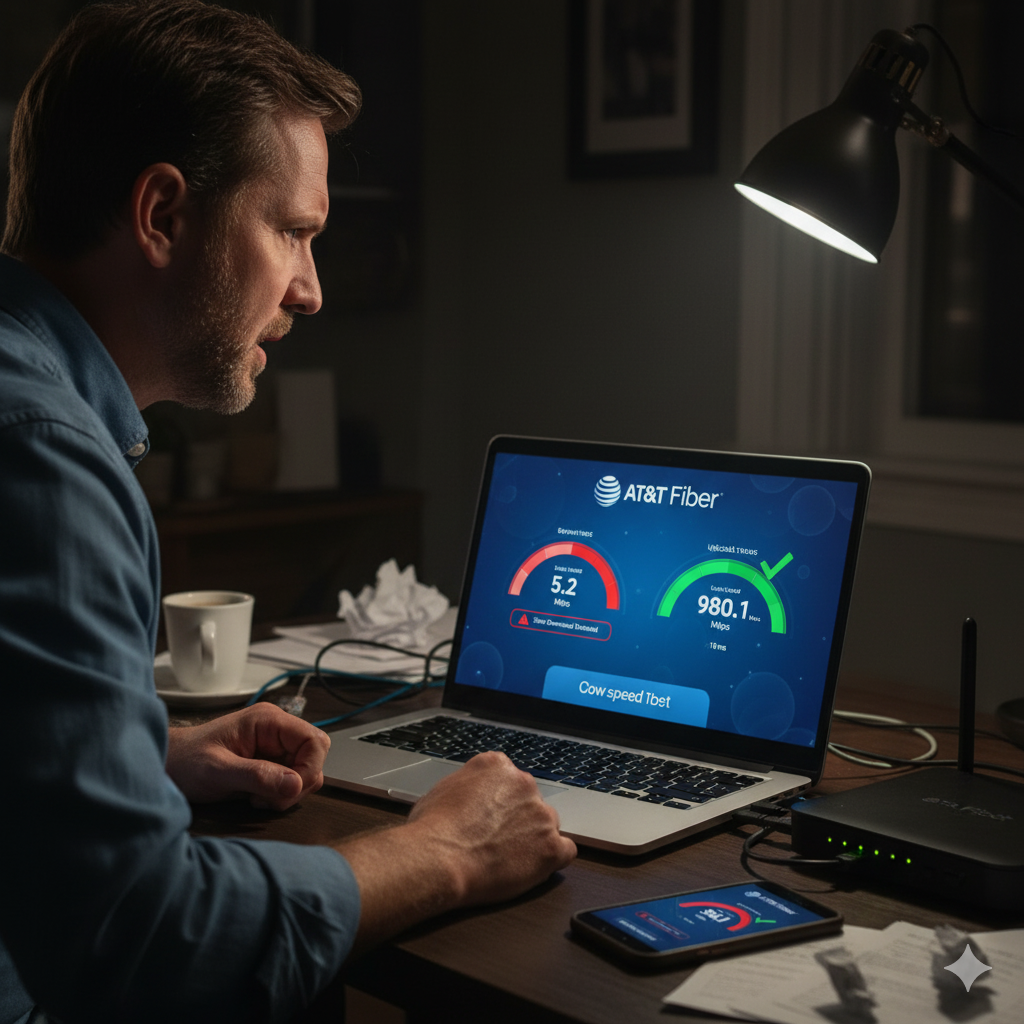
AT&T Fiber is known for its consistency — but lately, many customers in USA have reported something different: sudden, unexplained slowdowns where 1 Gig service drops to barely 100 Mbps, only to return to normal hours later. Upload speeds stay perfect, but downloads tank without warning.
If you’ve experienced this, you’re not alone. And while it feels like throttling or a network outage, the truth is more nuanced — especially in “fiber expansion markets,” which many new AT&T Fiber customers don’t realize they’re part of.
At Best ISP Deals, we help customers understand what’s really happening behind these fluctuations, how AT&T handles support in expansion areas, and what steps you can take to get accurate answers.
1. The Sudden Drop From 1 Gig to ~100 Mbps — What’s Really Happening?
Customers in USA reported consistent symptoms:
- Download speeds drop to ~100–200 Mbps
- Upload speeds remain at full 1.3 Gbps
- Rebooting, resetting, and unplugging do nothing
- The slowdown resolves itself after a few hours
- The issue returns on different days, often at night
This pattern strongly suggests intermittent network congestion or backend maintenance, not an in-home equipment issue.
Running passthrough mode with custom DNS (1.1.1.1 / 8.8.8.8) doesn’t matter because:
✅ AT&T’s Smart Home Manager speed test measures speed directly on the gateway, bypassing your router and DNS entirely.
When the gateway’s internal test shows low speeds, the problem is upstream, not your setup.
2. The “Fiber Expansion Market” Confusion — What AT&T Doesn’t Explain Clearly
Several customers received the same confusing response:
“This address is part of a fiber expansion market outside of the 21-state footprint.”
Here’s what that actually means:
✅ You’re not on legacy AT&T Fiber
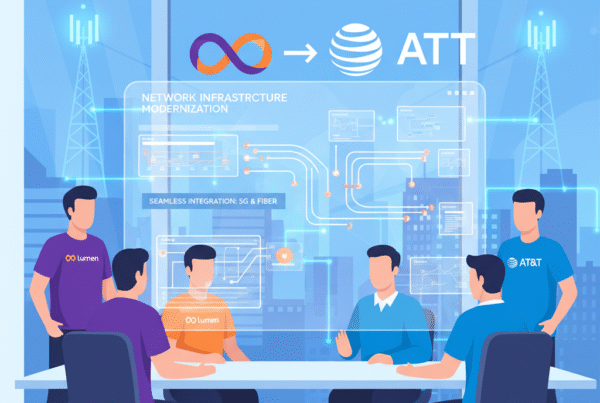
You’re on the AT&T / BlackRock Giga power joint-venture network, increasingly common in growing areas like USA.
✅ Your installers and field repairs are handled by contractors
Most commonly MASTEC, not AT&T-employed technicians.
✅ Support is still AT&T — but not always well-trained in expansion-market infrastructure
This leads to:
- contradictory answers
- no outage reported, yet “it will resolve in 24 hours”
- claims that no issue exists, followed by referral to “advanced technical teams”
- difficulty getting clear information through chat support
Many customers hear explanations that feel like a copy-pasted script without real clarity.
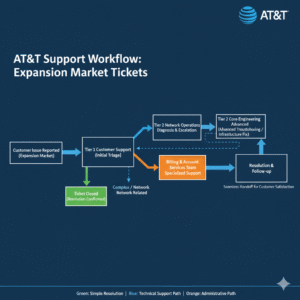
3. Why Support Gives Conflicting Answers (and Why Chat Is the Worst Option)
Customers reported being told:
- “No outage.”
- “There is an issue being resolved within 24 hours.”
- “Expect a call from a tech within 48 hours.”
- “No bill credits can be issued.”
This inconsistency is common in joint-venture service regions because:
✅ Chat support agents rely on scripts
✅ They often don’t understand the expansion-market backend
✅ Outage maps don’t track JV-level maintenance
✅ Tech dispatches go to contractors, not AT&T employees
For better (though still imperfect) support:
Call 1-800-288-2020 instead of using chat.
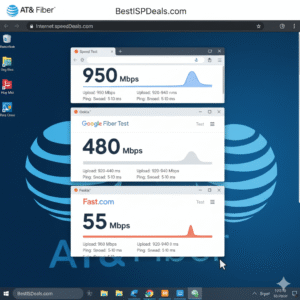
4. Why Third-Party Speed Tests Show Different Results
Customers in USA were advised to verify using:
- fast.com
- speed.cloudflare.com
- att.com/support/speed test
- wifiman.com
This is smart because the Smart Home Manager speed test runs inside AT&T’s network, and that can hide routing issues or congestion outside the local node.
When both the gateway test and third-party tests show low download speeds:
✅ The issue is network-side.
✅ Passthrough mode, DNS, and your personal router are not the cause.
When third-party tests show different results than the gateway:
✅ Congestion or routing beyond AT&T’s internal test path is likely.
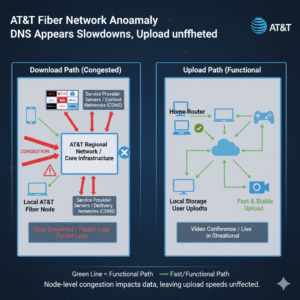
5. Why Upload Stays Perfect While Download Drops
This is one of the biggest clues — and it points away from your equipment.
Upload runs on different provisioning and different optical paths in AT&T’s architecture. When:
✅ Upload is stable
✅ Download is unstable
…it usually indicates:
- node-level congestion
- backend traffic shaping
- temporary maintenance
- routing inconsistencies
- GPON/XGS-PON provisioning issues
- Gigapower expansion-market transitions or upgrades
In all of these cases, your hardware is not the culprit.
6. Weather, Timing, and “Night-Time Slowdowns”
Some customers wondered if the slowdown was caused by:
- temperature changes
- humidity
- nighttime demand
Fiber is extremely stable, so weather is almost never the cause — especially in USA, where temperature swings are minor.
BUT nighttime is when:
- maintenance happens
- provisioning updates run
- joint-venture nodes perform balancing
- congestion peaks
The repeated pattern of slowdowns at similar times strongly suggests AT&T is performing backend work — even if they deny an “outage.”
Conclusion
Intermittent AT&T Fiber slowdowns in USA — especially those dropping from 1 Gig to ~100 Mbps — are typically caused by network-side issues, not your router, DNS, ActiveArmor, or home wiring.
Most commonly, the root causes include:
- AT&T/BlackRock Gigapower expansion-market maintenance
- node congestion
- temporary backend provisioning updates
- faulty or overloaded local network segments
- inconsistent support communication
If your upload speed remains perfect while download collapses, it’s almost always a network-level problem.
At BestISPDeals, our goal is to help customers in USA understand these hidden factors, navigate support more effectively, and verify issues using accurate speed tests. Until AT&T resolves node-level congestion or expansion-market maintenance, these intermittent slowdowns may continue — but knowing the cause helps avoid unnecessary troubleshooting.